Release notes on GitHub (Korean)

MyCapture
A free Windows screenshot and pin tool that keeps Excel tables and code on top of your other windows and copies their original text back
Press Ctrl+C in Excel or your editor, then F3, and what you copied becomes a pin above your other windows. Press Ctrl+C on the pin to copy its cells or code as the original text.
How to use
-
01
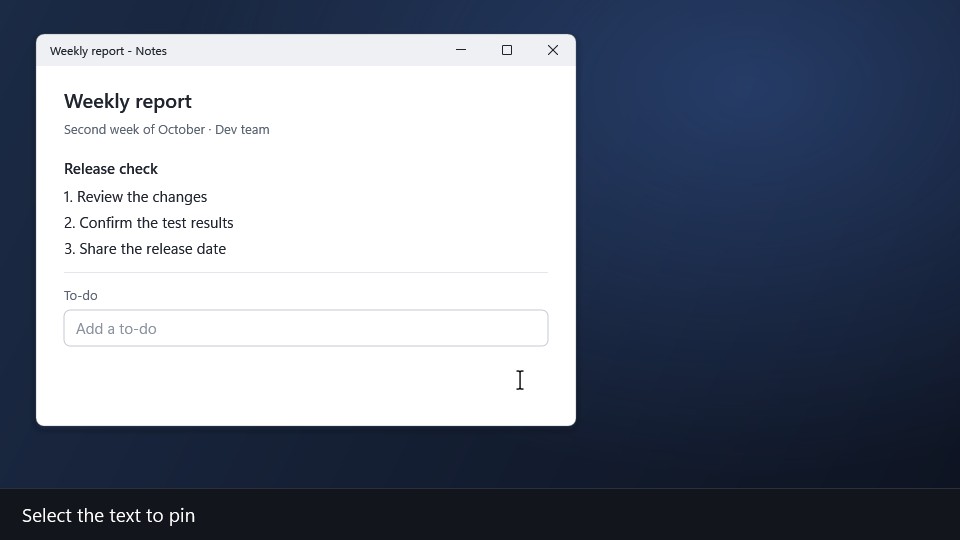
Pin a table or code
Ctrl + C → F3
Copy in Excel or your editor, then press F3, and what you copied becomes a pin above your other windows.
-
02
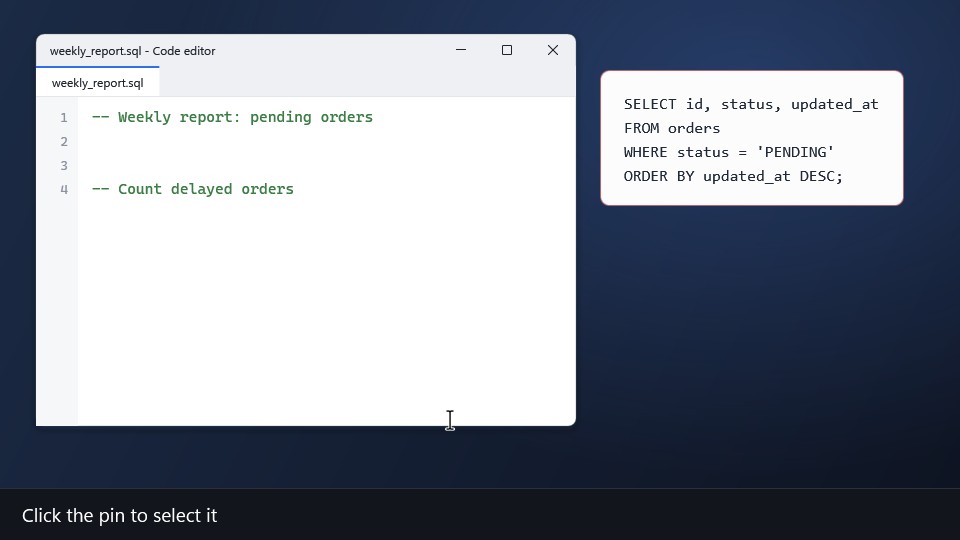
Copy the original text back
Click the pin → Ctrl + C
Select the pin and press Ctrl+C to copy its cells or code as the original text.
-
03
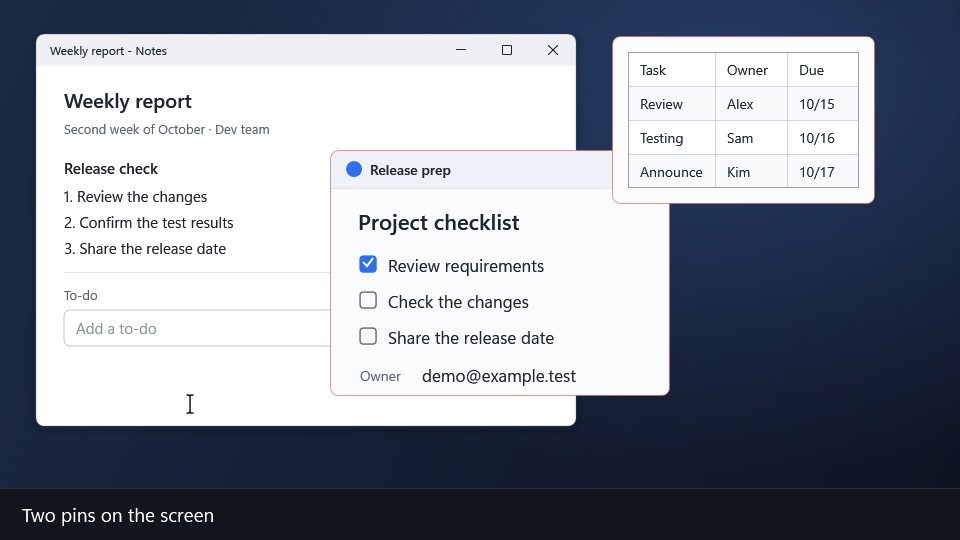
Hide all pins
Shift + F3
Press the same key again and the pins come back.
-
04
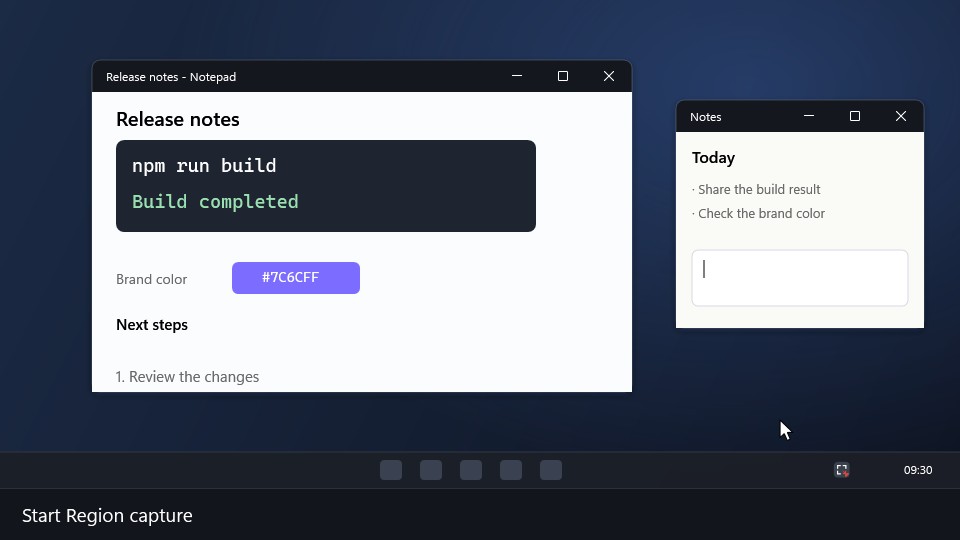
Region capture
Ctrl + Shift + C
Drag to select a region and a capture card appears. Choose Edit, Pin or Save on the card.
-
05
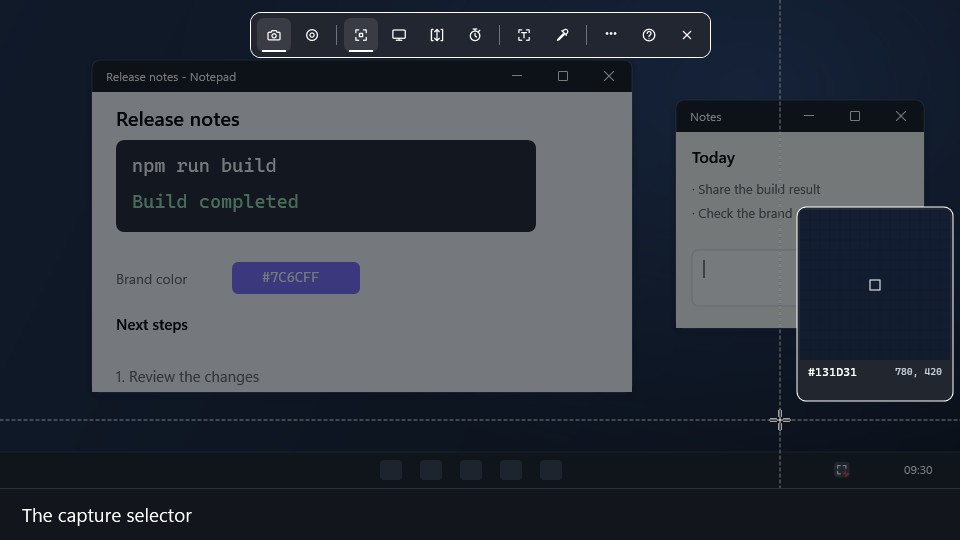
Copy text from the screen
Ctrl + Shift + C → T
Press T while selecting and drag over the text, and only the text is recognized and copied. Recognition runs on this PC.
-
06
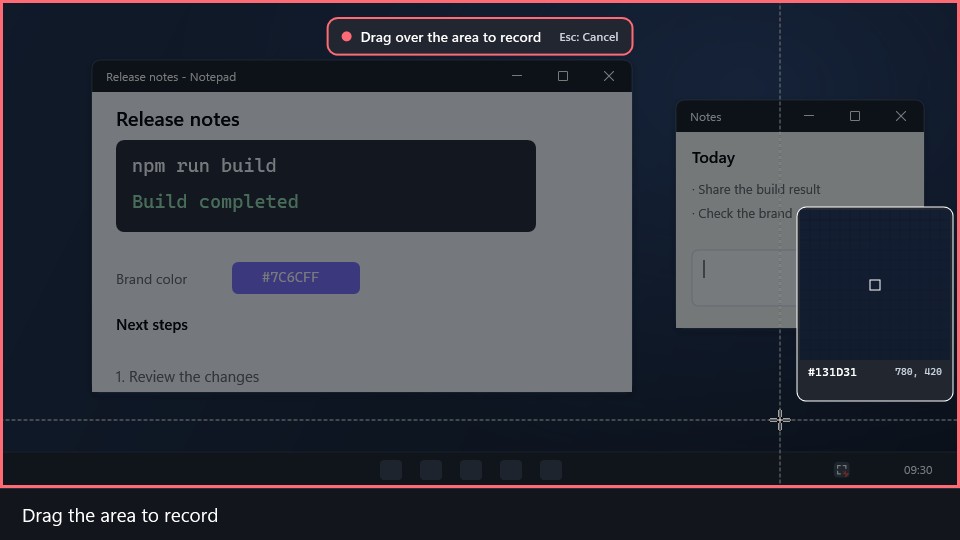
Region recording
Ctrl + Shift + X
Select a region and start recording. Press the same key to stop, and the recording is saved as MP4.
Shortcuts
Defaults for new installations
- F3
- Pin the clipboard image, text or table
- Ctrl + C(on a selected pin)
- Copy the original text
- F2(on a selected pin)
- Select text or cells and copy only that part
- Shift + F3
- Hide or show all pins
- Ctrl + Shift + C
- Region capture; T while selecting copies text
- Ctrl + Shift + X
- Start or stop region recording
FAQ
- Is it free?
- Yes. Every feature is free, with no ads and no account. The source code is on GitHub under the MIT license.
- How is it different from the Windows Snipping Tool?
- You can pin captured images and copied Excel tables or code above other windows, then press Ctrl + C on a pin to copy the original text again. Screen text copy, region recording and a library of past captures are built in.
- Can it copy text from the screen?
- While selecting a region, press T to recognize Korean and English text and copy it to the clipboard. Recognition runs on your PC.
- Can it record the screen?
- Record a region to MP4, trim it and export a GIF. Audio is not recorded.
- Does it send my captures anywhere?
- No. There is no telemetry, analytics or advertising. See the privacy policy for details.
- Which PCs does it support?
- Windows 11 and Windows 10 22H2. If the Microsoft Store is not available, use the installer or portable ZIP below.
Recent updates
All updates (Korean)Download
MyCapture 5.0.1 · November 3, 2026
For PCs that cannot use the Store
Not code-signed, so SmartScreen may warn. Installed copies can update from within the app. For the portable version, download and extract a new ZIP.